> ## Documentation Index
> Fetch the complete documentation index at: https://docs.palantrix.com/llms.txt
> Use this file to discover all available pages before exploring further.
# Create Your Account
> Create your Palantrix Account, complete your profile, practice mock interviews, receive real-time AI feedback and apply for jobs.
First time users need to sign up to create their Palantrix account. For additional protection set a secure password that you do not use on any other site.
### Create Your Account
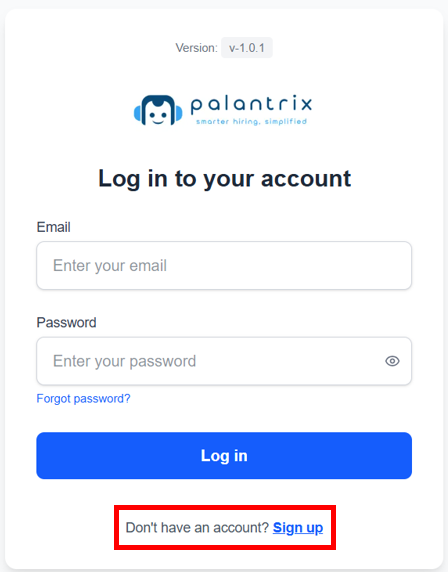
Please visit [my.palantrix.com](http://my.palantrix.com) and click on the Sign Up link.
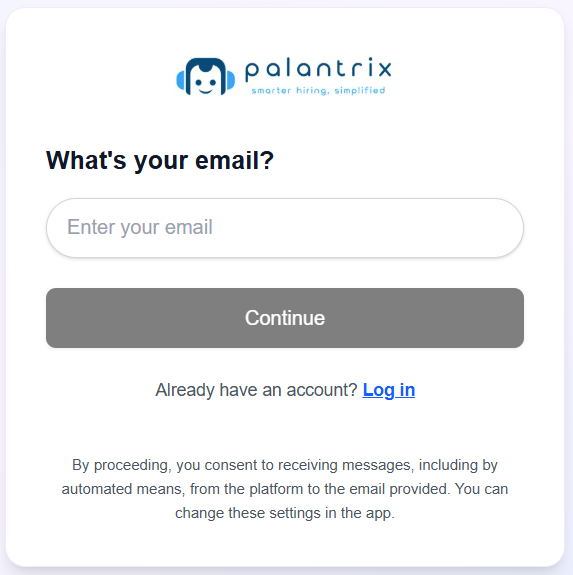
 Enter your email address and press Continue.
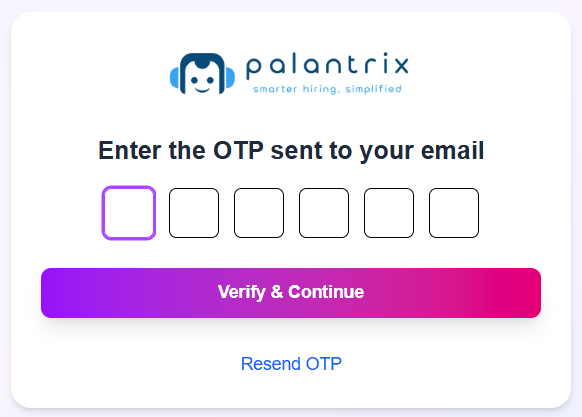
 An One-Time-Passcode (OTP) will be sent to your email address. Please open your email and retrieve the 6-digit code and enter it in the OTP fields and click Verify & Continue.
If you have not received your OTP email, please check your SPAM or JUNK folders
An One-Time-Passcode (OTP) will be sent to your email address. Please open your email and retrieve the 6-digit code and enter it in the OTP fields and click Verify & Continue.
If you have not received your OTP email, please check your SPAM or JUNK folders
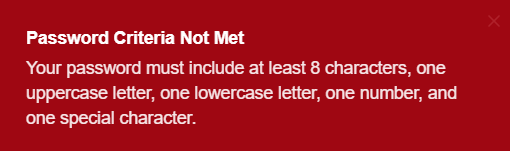
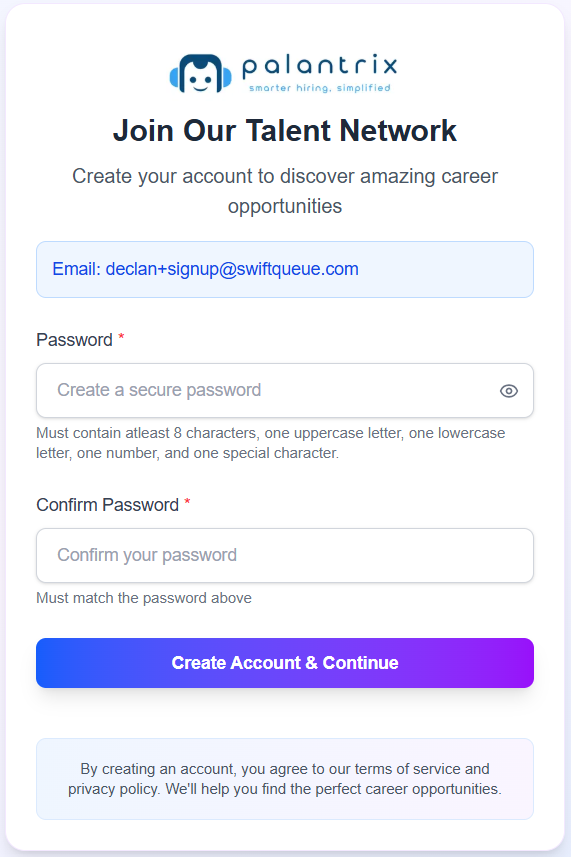
 Enter in a strong password. We validate that you use at least:
1. Password must be at least 8 characters long
2. One uppercase letter
3. One lowercase letter
4. One number
5. One special character e.g. !, &, %, \$, @, +, \*, ?
Enter in a strong password. We validate that you use at least:
1. Password must be at least 8 characters long
2. One uppercase letter
3. One lowercase letter
4. One number
5. One special character e.g. !, &, %, \$, @, +, \*, ?
 ### Quick Tips
* Use an email that is easily accessible to retrieve your OTP and complete your verification.
* If you have already created an account just use the Login option on the same page.
* If the prompt tells you that your password criteria has not been met, just check Step 4 above to ensure that the all 5 criteria are being met.
### Quick Tips
* Use an email that is easily accessible to retrieve your OTP and complete your verification.
* If you have already created an account just use the Login option on the same page.
* If the prompt tells you that your password criteria has not been met, just check Step 4 above to ensure that the all 5 criteria are being met.